AI Can Prepare the Review.
The Team Still Needs to Work Through the Plan.
Bluebeam Max is bringing more AI-assisted review into construction drawing workflows. We covered the broader implications in a PlanWorkflow article here:
Bluebeam Max: What AI Means for Drawing Review in Construction
The practical point for contractors is straightforward. Tools like Bluebeam Max may help prepare more information before a review meeting starts. Drawing issues can be flagged earlier. Revisions can be compared more directly. Markups can be organized with less manual work.
That is useful, but the team still needs to work through the plan.
- A flagged issue may need an RFI.
- A highlighted revision may affect trade scope.
- A markup may need input from the superintendent, estimator, VDC lead, or subcontractor.
- A changed detail may affect layout, procurement, sequencing, or field work.
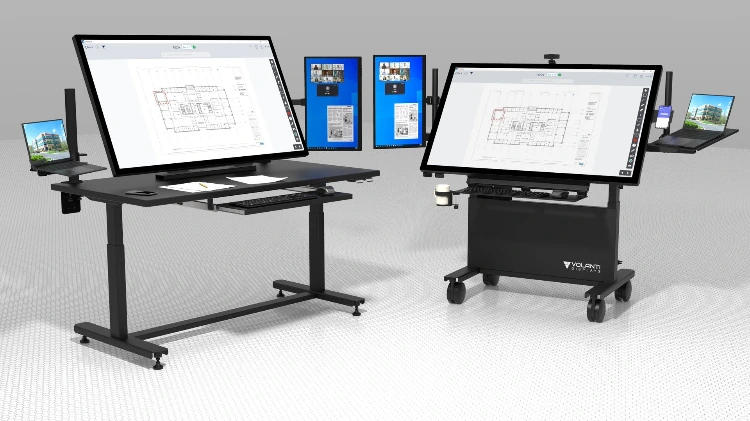
This is where the review setup matters. A Volanti plan review display gives the room a shared place to review Bluebeam output at a practical size. The team can open the drawing, zoom into the changed area, compare revisions, mark up the sheet, and agree on the next action.
- A simple workflow might be:
- Run the review or comparison in Bluebeam before the meeting.
- Open the results on the Volanti display.
- Review the flagged items or changed sheets with the team.
- Confirm what affects the work.
- Capture the result as a markup, RFI, meeting note, or task.
This applies to revision review, trade coordination, estimating checks, superintendent huddles, VDC review, and design team meetings.
Bluebeam can help prepare the review.
Volanti helps the team work through it together. See the original article on Planworkflow.com